WringGet Wring

Private macOS developer toolkit

Offline developer tools for your Mac menu bar.

12 private tools for JWTs, JSON, regex, hashes, timestamps, text cleanup, colors, diffs, .env secrets, and more. Customizable tabs, no account, no app analytics, no app network access.

Local tools12JWT, JSON, regex, hashes, .env, load.
0app network access
Noaccount needed
$4.99one-time purchase
Wring macOS menu bar app showing the Hash Generator tool

Designed for quick, local work

The utility drawer your Mac should already have.

Wring is intentionally small, native, and private. Open it from any app, process the thing in front of you, copy the result, and get back to your editor. Reorder the tools you use most, switch them with Command-number shortcuts, and avoid browser tabs full of sensitive data.

How it feels

Open. Paste. Copy. Done.

No account setup. No project setup.
01

Open from the menu bar

Keep Wring one click or one shortcut away while you stay in your editor, terminal, browser, or chat app.

02

Paste private input locally

Use JWT, JSON, Regex, Hash, Encode, Text, Cron, Color, UUID, Diff, Time, .env, and Load tools without sending data to a website.

03

Copy the result and move on

Format, verify, convert, compare, generate, clean up, or inspect the thing in front of you, then get back to work.

Toolset

12 built-in tools

Everything is a click away, but nothing is trying to be a platform.

Wring keeps common developer utilities together as a native macOS menu bar app: inspect tokens, format JSON, test regex, generate hashes, encode strings, clean up text, compare diffs, convert timestamps, parse cron, pick colors, create UUIDs, manage .env secrets, and check local system load. Put your favorite tools in the top tabs and keep the rest inside More.

Inspect

JWT inspector, regex tester, JSON formatter, cron parser, and local load monitor for quick debugging.

Transform

Base64, URL, HTML, and hex encoding, case conversion, line deduplication, sorting, trimming, timestamp conversion, text diffing, and color format conversion.

Generate

Hash digests, HMACs, UUIDs, and Keychain-backed .env secrets for everyday developer tasks.

  • 01JWT Inspector
  • 02Regex Tester
  • 03Hash Generator
  • 04Encoder / Decoder
  • 05JSON Formatter
  • 06Text Diff
  • 07Timestamp Converter
  • 08Cron Parser
  • 09Color Converter
  • 10UUID Generator
  • 11.env Manager
  • 12Load Monitor

Local tool guides

Browse all tool pages

JWT Inspector for Mac

Inspect JWTs locally on macOS with Wring. Decode headers and payloads, review claims and expiry, and verify HS256 signatures without pasting tokens into browser tools.

JSON Formatter for Mac

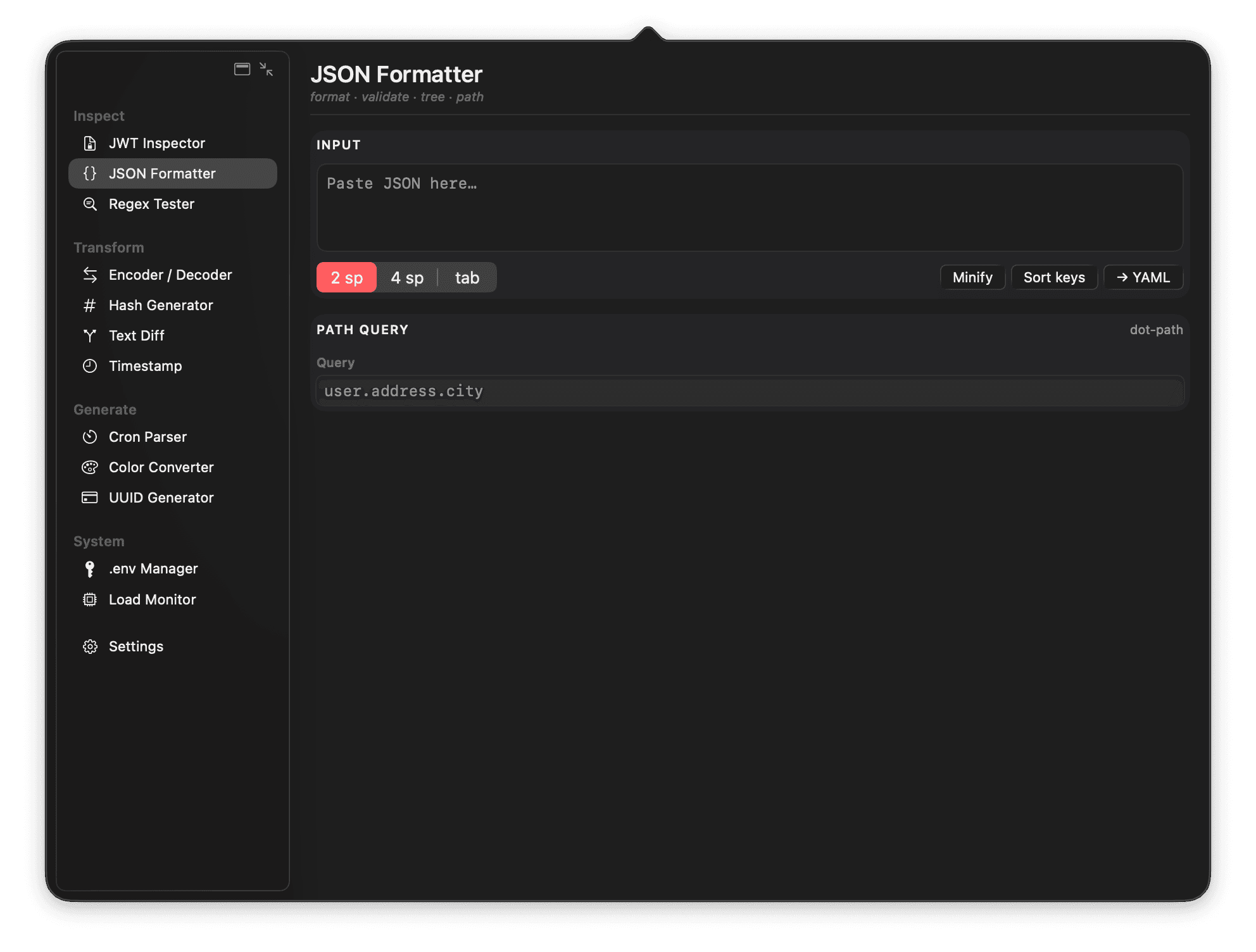
Format, validate, minify, sort, and inspect JSON locally on macOS with Wring. A private JSON formatter for developers who do not want browser tools touching sensitive payloads.

Regex Tester for Mac

Test regular expressions locally on macOS with Wring. Match text, inspect captures, and iterate quickly from the menu bar without switching to a browser regex tester.

Hash Generator for Mac

Generate hashes locally on macOS with Wring. Create MD5, SHA-1, SHA-256, SHA-384, SHA-512, and HMAC digests without uploading input to a web hash tool.

Encoder, Decoder, and Text Utilities for Mac

Encode, decode, and clean up text locally on macOS with Wring. Use Base64, URL, HTML, hex, case conversion, line deduplication, sorting, and trimming from the menu bar.

Text Diff for Mac

Compare text locally on macOS with Wring. View split and unified diffs from the menu bar without sending snippets, logs, configs, or code to a web diff tool.

Timestamp Converter for Mac

Convert Unix timestamps and dates locally on macOS with Wring. A fast menu bar timestamp converter for debugging logs, APIs, jobs, and event data.

Cron Parser for Mac

Parse cron expressions locally on macOS with Wring. Understand schedules and upcoming runs from the menu bar without switching to an online cron parser.

Color Converter for Mac

Convert color formats locally on macOS with Wring. Work with HEX, RGB, HSL, and related color values from a native menu bar developer utility.

UUID Generator for Mac

Generate UUIDs locally on macOS with Wring. Create UUID v4 values from the menu bar for tests, fixtures, database rows, and development workflows.

.env Manager for Mac

Manage .env secrets locally on macOS with Wring. Store environment values in the macOS Keychain and protect them with Touch ID or your device password.

Load Monitor for Mac

Check local CPU, memory pressure, storage, battery, and device info on macOS with Wring. A compact load monitor for developers running local servers and tools.

Workflow

Built around the moments that interrupt real work.

01

Inspect inputs without sending them away

Decode tokens, format JSON, test regex, compare diffs, clean up text, convert timestamps, and parse cron expressions locally.

02

Keep secrets where macOS expects them

.env values are stored in the macOS Keychain and can be protected with Touch ID or your device password.

03

Keep your favorite tools up front

Reorder the top tabs, keep the rest inside More, and switch visible tools with Command-number shortcuts.

Local by design

Your tokens, secrets, and snippets stay on your Mac.

The Wring app has no accounts, no analytics, no telemetry, and no app network entitlement. The privacy story is simple because the app is built to be simple.

  • No account
  • No app analytics
  • No app telemetry
  • No app network entitlement
  • Keychain-backed secrets
  • macOS 26+

FAQ

Questions before you install.

Does Wring upload my JWTs, secrets, JSON, or other input?

No. Wring is an offline macOS menu bar app. Tool input is processed locally on your Mac, and the app is built without network client or server entitlements.

What developer tools are included?

Wring includes JWT, Regex, Hash, Encode, Text utilities, JSON, Diff, Time, Cron, Color, UUID, .env Manager, and Load Monitor tools.

Can I customize which tools appear first?

Yes. Wring lets you reorder the top tool tabs from Settings, keep the remaining tools inside More, switch visible tabs with Command + number, and optionally show shortcut hints in sidebar mode.

How does the .env manager store secrets?

The .env manager stores values in the macOS Keychain. Values can be protected with macOS authentication such as Touch ID or your device password.

Does Wring integrate with Xcode, VS Code, Cursor, or other IDEs?

Wring does not need IDE-specific setup. It lives in the macOS menu bar, so it works the same from Xcode, VS Code, Cursor, terminal, browser, Slack, or any other app you already use.

Does the JWT tool validate tokens against a JWKS endpoint?

Wring v1 focuses on local JWT decode, inspection, and HMAC secret verification. JWKS endpoint validation would require explicit network access, so it is being considered carefully as an opt-in, user-triggered workflow rather than a silent background request.

Which macOS version does Wring support?

Wring v1 is built for macOS 26 or later so it can use the newer native SwiftUI behavior the app is designed around.

A quieter way to use developer tools.

One-time purchase. No account. No subscription dashboard waiting behind the utility you needed thirty seconds ago.

Download on the Mac App Store

$4.99 one-time purchase · Local App Store pricing may vary · macOS 26 or later